Sage 50 Payroll: Fixing Tax Table Update Failures
Published August 6, 2026 · By [Owner Full Name], QuickBooks Certified ProAdvisor · 1 min read
Quick answer
Sage 50 Payroll tax table updates fail most often because of a connection issue, an outdated Sage 50 version, or a firewall blocking the download. Update Sage 50 itself first, then retry the tax table update, downloading it manually from Sage's website if needed.
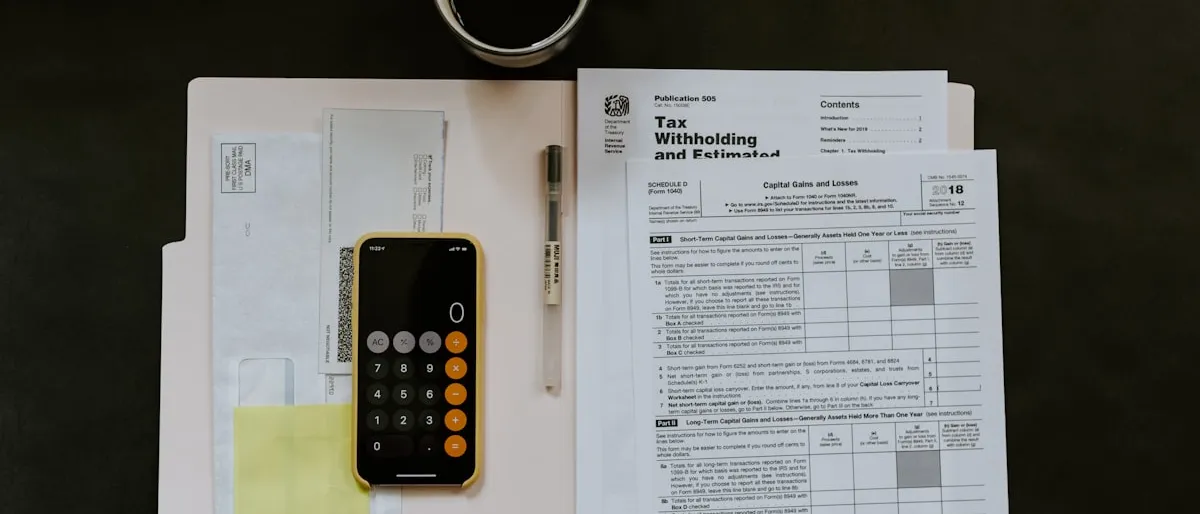
Sage 50 Payroll won’t download or finish installing a tax table update, which means paychecks risk being calculated with outdated withholding rates.
Why this happens
- No internet connection, or a connection blocked partway through the download
- Sage 50 itself is running an outdated version incompatible with the latest tax table release
- A firewall or antivirus is blocking the update download or the connection it needs
- A previous update attempt left partial or corrupted files behind
- The update was attempted while other users were active in the company file
Steps to fix it
- Check your internet connection is stable, then retry the update from within Sage 50.
- Update Sage 50 itself first — tax table updates are often built for a specific minimum program version, and an outdated program is the most common blocker.
- Temporarily disable firewall/antivirus or add Sage 50 as an exception, then retry.
- Download the tax table update manually from Sage’s website instead of relying on the in-program automatic update, if the automatic path keeps failing.
- Run the update when no one else is in the company file — after hours or during a quiet window — since multi-user conflicts can interrupt the install.
- Confirm the update succeeded via Help > About Sage 50, checking the tax table version and date shown.
When to get help
If tax tables are still out of date right before a pay run and the manual download isn’t working either, it’s worth getting help sorting out the update rather than processing payroll on outdated rates and having to correct it after the fact. Sage’s official Sage 50 support resources cover this in more depth.
Frequently asked questions
How do I know if my tax tables are actually out of date?
Go to Help > About Sage 50 to see your current tax table version and date, then compare it against the latest version listed on Sage's website. If your next pay run is coming up and the version doesn't match, update before processing it.
What happens if I run payroll with outdated tax tables?
Paychecks may calculate withholding incorrectly, which usually isn't caught until a filing or reconciliation shows a mismatch — at which point it's a correction, not just an update. It's worth confirming tax tables are current before every pay run, not after.
Still stuck after trying these steps?
Some QuickBooks errors need hands-on troubleshooting in your actual company file. [Owner Full Name] (QuickBooks Certified ProAdvisor) can take a look and fix it directly — call FindMeXpert and we'll walk through it with you.
Call [(555) 123-4567]FindMeXpert is an independent QuickBooks ProAdvisor practice, not affiliated with Intuit Inc.
Related QuickBooks errors
Written by [Owner Full Name]
QuickBooks Certified ProAdvisor · FindMeXpert